
A repeating beep from an alarm panel is easy to ignore for a few minutes and hard to ignore by bedtime. If you are asking, why is my alarm beeping, the sound is usually a trouble notification, not proof that someone is breaking in. It is your system’s way of reporting a condition that needs attention – often a low battery, lost power, communication issue, open door, or device fault.
The right response depends on which device is making the sound. A security keypad, smoke alarm, carbon monoxide detector, door sensor, and commercial alarm panel can all beep for different reasons. Start by identifying the source before pressing buttons or removing batteries.
First, Make Sure It Is Not an Emergency
A security system trouble beep is commonly a short chirp every few seconds or minutes, often accompanied by a message such as “Trouble,” “Low Battery,” “AC Failure,” or a zone number on the keypad. The alarm may still be armed and capable of detecting intrusion, but one part of the system needs service.
A loud, continuous siren, especially with flashing lights, is different. Check whether the system has been triggered by an open door, motion detector, glass-break sensor, panic button, or smoke detector. If you see smoke, smell burning, feel unwell, or suspect carbon monoxide, leave the building immediately and call emergency services from a safe location. Do not spend time troubleshooting an alarm device during a possible fire or CO event.
For a monitored property, contact your monitoring provider if you are unsure whether an alarm signal was sent. Avoid repeatedly arming and disarming the system just to stop the sound. That can create unnecessary signals and make it harder to identify the original fault.
Why Is My Security Alarm Beeping?
Most intrusion alarm beeps fall into a handful of predictable categories. The keypad display, mobile app, or system event history should point to the specific issue. If it does not, a qualified technician can test the panel, power supply, sensors, and communications path.
A backup battery is low or failing
This is one of the most common causes. Security panels use a sealed backup battery so the system can continue operating during a power outage. These batteries typically need replacement every few years, depending on the panel, temperature, outage history, and system load.
A low-battery message may refer to the main panel battery, a wireless door or window contact, a motion sensor, a key fob, a wireless siren, or a smoke detector connected to the security system. Replacing the wrong battery or installing it incorrectly can leave the device in trouble mode. Some systems also need time to clear the message after a new battery is installed.
The building lost AC power
An “AC Loss” or “Power Failure” notice means the panel is no longer receiving normal electrical power. Check whether the home or business has a wider outage first. If only the alarm system is affected, look for a tripped breaker, unplugged transformer, switched outlet, damaged cable, or recent electrical work.
Do not unplug the alarm transformer to silence the keypad. The panel will run on battery for a limited period, then report a low battery as well. In a business, this can also affect monitoring, access control, cameras, and network equipment if systems share a power source or backup power setup.
A door, window, or zone is open
A keypad may beep because the system is in chime mode. In that case, it gives a brief tone whenever a protected door or window opens. This is not a fault and can be useful in homes, retail stores, clinics, and offices where staff need notice of entry.
If the display identifies an open zone when everything appears closed, inspect that door or window carefully. A loose magnetic contact, shifted frame, damaged cable, or misaligned sensor can prevent the panel from seeing the zone as secure. Seasonal movement, renovations, and heavy door use can all affect alignment.
The system cannot communicate
Modern alarm systems may communicate through cellular service, internet, landline, or a combination of these paths. A “Comm Fail,” “Network Trouble,” or “Cellular Failure” message means the panel may not be able to send alarms to the monitoring station reliably.
Internet-related troubles can follow a router replacement, Wi-Fi change, modem reset, ISP outage, firewall adjustment, or power interruption. A cellular communicator can also report issues caused by poor signal, an expired service plan, damaged antenna, or equipment that needs updating. Resetting your router may help in limited cases, but it will not fix every communication fault. A professional test confirms whether alarm signals are reaching the monitoring center.
A sensor, keypad, or panel has been tampered with
Security devices are designed to report when their cover is opened, a keypad is removed, a wire is cut, or an enclosure is disturbed. This can happen during legitimate maintenance, painting, cleaning, construction, or an attempted break-in.
Do not force a sensor cover shut or bypass a tamper condition unless you know exactly what caused it. A device that appears intact may have damaged wiring or a loose mounting surface behind it. On commercial properties, tamper alerts should be taken seriously because they can affect insurance requirements and the reliability of the protected area.
A smoke or carbon monoxide device needs attention
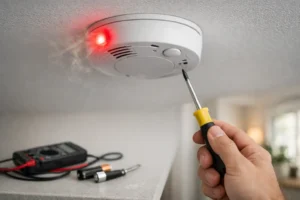
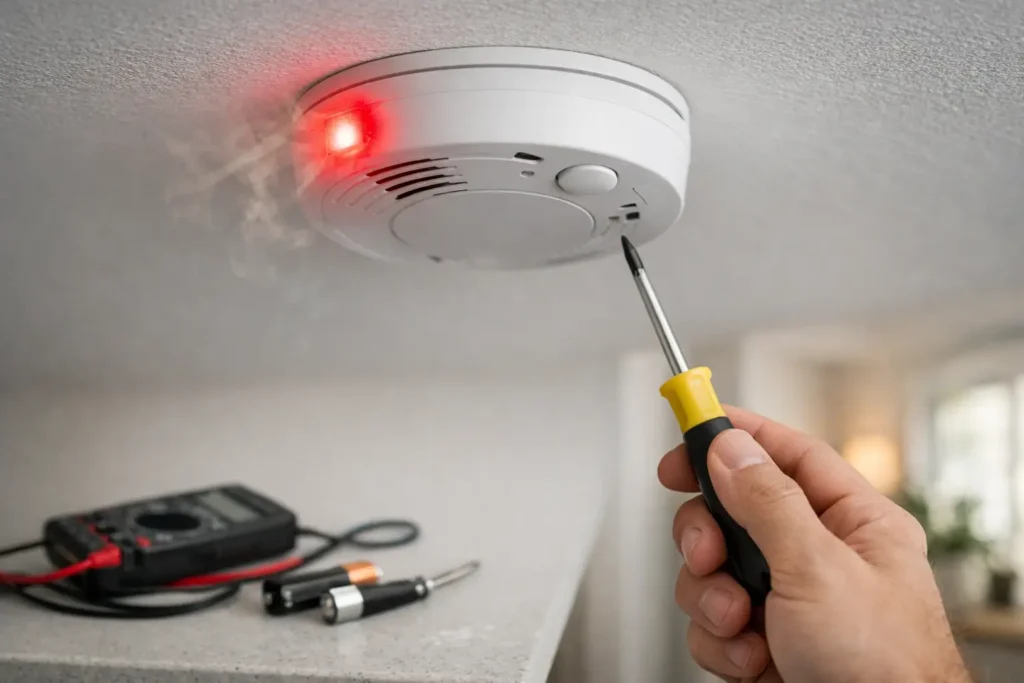
A single chirp every 30 to 60 seconds is often associated with a low battery in a standalone smoke alarm or CO detector. It may also indicate that the detector has reached its replacement age, is dirty, has been exposed to humidity or dust, or has an internal fault.
Do not assume every chirp is a battery issue. Check the label on the device for its manufacture or replacement date and follow its instructions. Many smoke alarms should be replaced after about 10 years, while CO detector service life varies by model. Hardwired detectors may still chirp if their backup battery is low or if the interconnected circuit has a problem.
Safe Steps to Stop the Beeping
Begin with the keypad or alarm app. Read the exact message, note any zone number, and write down the time the beeping began. This information makes troubleshooting much faster, especially if the problem comes and goes.
If the panel reports low battery, identify whether it names the panel or a specific wireless device. Only use the battery type specified by the manufacturer. Never install a random battery that fits physically but has the wrong voltage or chemistry. For a panel battery, shut down procedures and wiring vary by system, so service is the safer choice if you are not familiar with alarm equipment.
If the message says AC loss, confirm the outlet and breaker supplying the alarm transformer are working. If it reports a zone fault, make sure the named opening is fully closed and inspect for obvious sensor movement. For communication trouble, confirm whether your internet service is working and whether there was a recent provider or router change.
Many panels allow an authorized user to acknowledge the trouble tone with a keypad command. That may quiet the audible reminder, but it does not repair the issue. Treat silencing as temporary, not as a fix. If you cannot identify the source, do not disconnect the panel or remove multiple batteries at once. You could lose protection, trigger a tamper alert, or create additional faults.
When to Call a Security Technician
Call for professional service when the beep returns after you replace a battery, when the system shows multiple trouble messages, when communication to monitoring has failed, or when you see a tamper, wiring, or panel fault. You should also call after flood, fire, renovation, pest damage, electrical work, or a lightning event that may have affected low-voltage equipment.
For property managers and business owners, repeated beeping is not just an inconvenience. It can signal a gap in monitored protection, an impaired fire-related device, or a system issue that staff may eventually start ignoring. Prompt service helps preserve reliable coverage and keeps the alarm system ready for an actual event.
HTech Knight Security Systems Ltd provides professional troubleshooting, battery replacement, panel testing, sensor repair, and communication checks for homes and businesses across the Lower Mainland. A technician can identify the real cause, verify that signals reach the monitoring station, and correct issues without compromising the rest of the system.
A beeping alarm is asking for attention, not guesswork. Read the message, rule out immediate danger, and arrange service before a minor trouble condition becomes a loss of protection when you need it most.