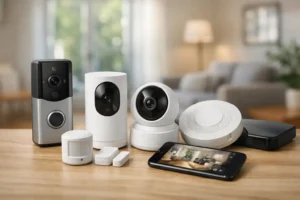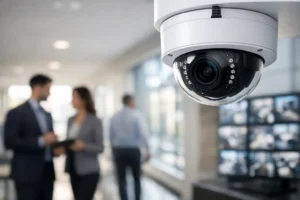

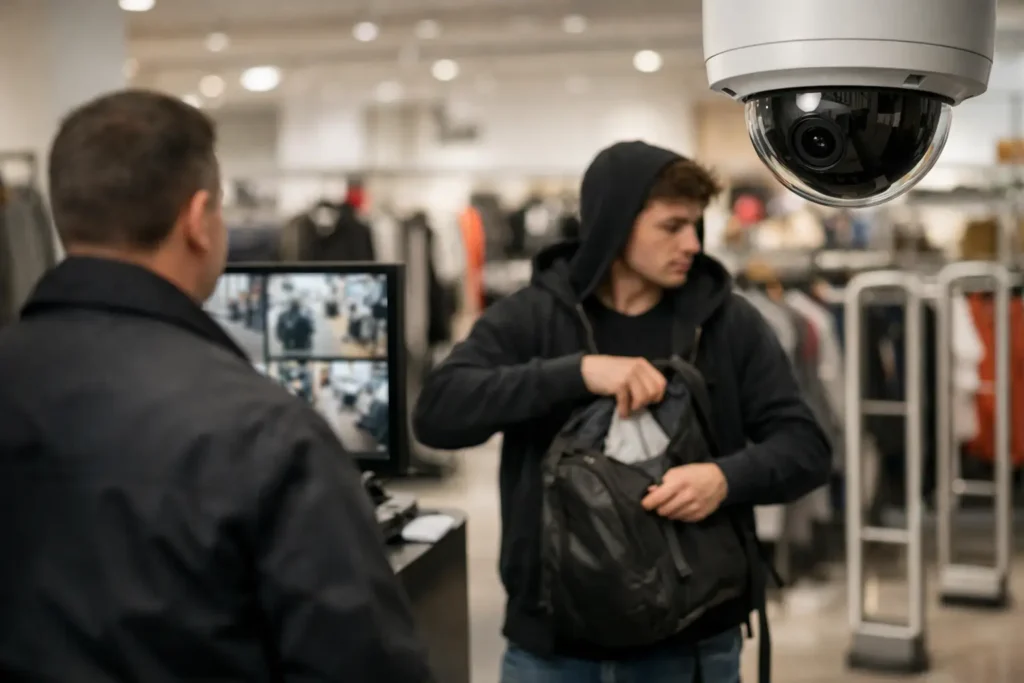
A retail loss prevention system example is not just a camera pointed at the cash register. For a busy store, it is a connected security plan that helps prevent theft, document incidents, protect employees, and give owners clear visibility when they are off-site. The right system focuses attention on the places where shrink actually happens, without making legitimate customers feel watched or creating extra work for staff.
For many independent retailers, loss prevention starts after an incident. A missing delivery, a disputed refund, or repeated inventory shortages prompts a call for cameras. Cameras are essential, but they produce better results when they work alongside access control, intrusion alarms, reliable networking, and clear operating procedures.
A Retail Loss Prevention System Example in Action
Consider a medium-sized apparel retailer with a sales floor, fitting rooms, a cash-wrap counter, stockroom, receiving door, employee entrance, and small office. The owner has noticed inventory variances, occasional cash discrepancies, and deliveries being left at the rear entrance before staff arrive.
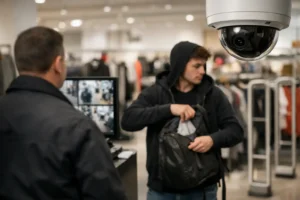
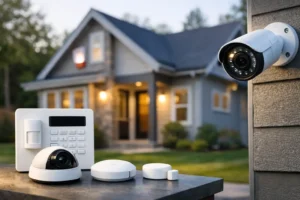
A professionally designed loss prevention system for this store may include high-resolution security cameras covering entrances, aisles, the point of sale area, stockroom, receiving zone, and exterior doors. Cameras should be positioned to capture faces at entry points and activity around merchandise, rather than simply providing wide but unusable views of the space.
The employee entrance and stockroom can be protected with access control. Each approved employee receives a unique credential, such as a fob, card, mobile credential, or keypad code. When a door is opened, the system records who entered and when. If an employee needs access only during scheduled shifts, permissions can be limited to those hours.
At closing, the manager arms an intrusion alarm that protects the storefront, rear door, office, and stockroom. Door contacts, motion detection, and glass-break sensors can trigger an alarm event if someone enters after hours. With 24/7 monitoring, the store has a response path even if the owner misses a phone notification.
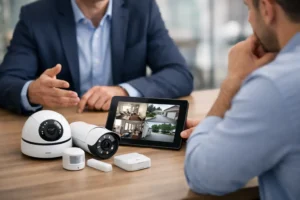
The system can also send alerts for practical events: a rear door held open too long, motion detected in a restricted stockroom, or an exterior door opened outside business hours. When an alert arrives, the owner or manager can review live or recorded video from a phone or computer and decide whether to contact staff, dispatch security, or involve police.
This is the key difference between a collection of devices and a real loss prevention system. Each component provides context for the others.
Why Integrated Security Reduces Retail Shrink
Shrink is not caused by one problem. It can come from shoplifting, internal theft, vendor errors, receiving mistakes, return fraud, damaged goods, and poor inventory handling. No security system can eliminate every cause, but it can make losses easier to deter, investigate, and correct.
Visible cameras near entrances, cash registers, and high-value merchandise discourage opportunistic theft. Video also gives managers a factual record when a customer disputes a transaction, an employee reports harassment, or a delivery arrives incomplete. Clear footage can reduce the time spent guessing what happened.
Access control creates accountability in areas customers should never enter. A stockroom door that opens with a shared physical key provides little useful information. A door that records individual access events gives management a timeline. That does not mean every employee should be treated with suspicion. It means the business has clear controls that protect honest staff as well as inventory.
Alarm systems cover a different risk. They protect the property when it is vacant, when staffing is limited, and when a forced entry could lead to substantial loss in minutes. A monitored alarm, paired with verified video when appropriate, provides a stronger response than a siren alone.
The Areas That Need the Most Attention
Every retail floor plan is different, so camera placement and access rules should follow the store’s actual risks. A jewelry counter has different requirements than a grocery receiving area or a restaurant cash drawer. Still, most retail locations benefit from coverage in several critical zones.
The front entrance should capture a usable view of people entering and leaving. The point of sale area needs clear views of transactions, cash handling, refunds, and the surrounding counter. High-value displays, fitting room corridors, stockrooms, receiving doors, and garbage or loading areas often deserve focused coverage as well.
Avoid placing cameras inside fitting rooms, washrooms, or any private area. Security design must respect privacy requirements and employee expectations. In customer-facing spaces, appropriate notice signage and a clear business policy help set expectations. A professional installer can recommend camera angles that improve security while avoiding unnecessary privacy concerns.
Choosing Cameras That Produce Useful Evidence
A low-cost camera system may appear adequate until an incident requires a clear image. Grainy video, poor night performance, narrow storage capacity, and weak Wi-Fi can turn an important recording into a missed opportunity.
For retail environments, camera selection should consider resolution, lens type, lighting conditions, and retention time. A wide-angle camera can cover a broad sales floor, while a dedicated camera with a tighter view may be needed at a register or entry door. Cameras at exterior doors should handle changing daylight, headlights, and nighttime conditions without losing facial detail.
Storage planning matters just as much as image quality. A store should retain footage long enough to identify losses and investigate them. The right retention period depends on the business, the number of cameras, recording quality, and the type of merchandise being protected. A high-volume retailer may need more storage than a small shop with limited hours.
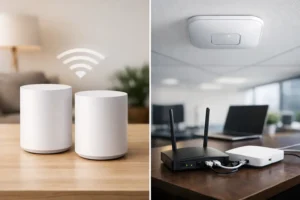
Remote viewing is valuable, but it should be secured. Strong passwords, user-specific logins, encrypted remote access, and a stable network reduce the chance that an unauthorized person can view or interfere with the system.
Build Procedures Around the Technology
Technology works best when staff know what it is for and what to do when it identifies a concern. A manager should know how to review video, export an incident clip, check access events, and respond to an alarm notification. Staff should know which doors must remain secured, how to report suspicious activity, and when to call management or emergency services.
For example, a receiving procedure may require staff to verify deliveries on camera, compare cartons against purchase orders, and report shortages before the driver leaves. A return procedure may require manager approval for refunds over a set amount. A closing procedure may include checking the rear door, securing high-value inventory, confirming that all staff have exited, and arming the alarm.
These procedures should be practical. If a policy slows down every transaction or creates unnecessary friction during a busy shift, employees will find ways around it. The strongest approach is one that fits the store’s daily workflow while creating consistent accountability.
When a Basic System Is Enough and When It Is Not
A small boutique with one entrance and limited stock may start with a few well-positioned cameras, a monitored alarm, and mobile access to video. That can be a sensible first step. A larger retailer with multiple employees, a receiving dock, expensive inventory, or recurring losses usually benefits from access control, more detailed camera coverage, and an integrated network designed for security traffic.
It also depends on the type of risk. If the primary concern is after-hours break-ins, intrusion detection and exterior coverage may be the priority. If discrepancies occur during business hours, point-of-sale coverage, stockroom control, and better receiving procedures may deliver more value. A site assessment should identify the most likely loss points before equipment is selected.
For stores in Surrey, Delta, and across the Lower Mainland, HTech Knight Security Systems Ltd can design a retail security plan around the building layout, operating hours, and the level of protection required. Professional installation helps ensure cameras have the right angles, access control is configured correctly, and the network can support reliable recording and remote access.
Start With the Questions That Reveal Risk
Before installing equipment, walk through the store as if you were a customer, delivery driver, employee, and intruder. Where can someone enter unseen? Where is cash handled? Which doors are propped open during deliveries? Who has keys to restricted areas? How quickly would the owner know about an after-hours alarm?
The answers often reveal that the best retail loss prevention system is not the largest one. It is the system that covers real vulnerabilities, gives managers usable information, and remains dependable when the store needs it most. A well-designed setup lets your staff focus on serving customers while the property stays protected in the background.