
A front door lock, a basic alarm, and one camera over the cash register might feel like enough – right up until a break-in, internal theft issue, or after-hours access problem proves otherwise. If you are looking at how to secure a small business, the real answer is not one device. It is a system built around how your business actually operates, where your weak points are, and how quickly you can respond when something goes wrong.
Small businesses are often more exposed than larger organizations because they usually have fewer layers of protection, fewer staff on site after hours, and less time to manage security day to day. Retail shops, restaurants, offices, clinics, and warehouses all have different risks, but they share one common issue: gaps between physical security, visibility, and control. That is where most problems start.
How to secure a small business without overspending
The biggest mistake is buying equipment first and asking questions later. Many owners install a few cameras, add a DIY alarm, and assume they are covered. In reality, the right setup depends on your floor plan, business hours, staff turnover, inventory value, public access points, and whether you need to protect cash, data, medicine, tools, or restricted areas.
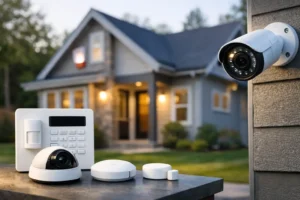
A better starting point is to look at your business in layers. The outer layer is your perimeter – doors, windows, parking areas, rear entries, and delivery access. The next layer is controlled entry – who can get in, when, and through which points. Then comes detection – alarms, motion sensing, glass break protection, and video coverage. After that, you need visibility and response – remote access, alerts, recordings, and monitoring.
This layered approach usually saves money over time because it reduces blind spots and avoids paying for hardware that does not solve the real problem.
Start with the highest-risk entry points
Most incidents do not involve a dramatic forced entry through the most visible part of the building. They happen at side doors, rear service entrances, poorly lit loading areas, or spots where staff assume someone else is watching. That is why your first investment should focus on the openings that create the most risk.
Commercial-grade door contacts, motion detection, and properly placed surveillance cameras matter more than having the most expensive camera model on the market. If a rear door is frequently used for deliveries, that area should have clear video coverage, good lighting, and a reliable intrusion sensor. If your front entrance handles steady customer traffic, you need a different strategy that balances easy access during business hours with secure lockdown after closing.
Glass storefronts need special attention. They create visibility for customers, but they also create vulnerability. In those cases, alarm sensors, visible cameras, and strong after-hours procedures work together. One without the others is usually not enough.
Cameras help, but placement matters more than quantity
Many business owners think security improves automatically when they add more cameras. It does not. Five well-positioned cameras usually outperform twelve poorly installed ones.
Your camera system should answer practical questions quickly. Who entered the building? Which door did they use? What happened at the register, stock room, office, or loading area? Can you identify a face, read a plate, or verify a delivery? If the answer is no, the system is not doing its job.
Good coverage typically includes entrances and exits, customer transaction areas, inventory zones, parking lots, and any restricted interior space. Image quality matters, but so do camera angle, lighting conditions, retention time, and remote access. A sharp daytime image is not enough if the nighttime footage is unusable or if you cannot pull footage fast when an incident happens.
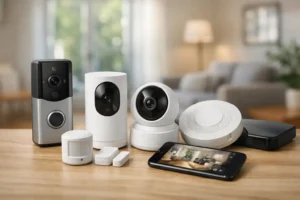
For many small businesses, remote viewing is one of the most valuable features. It lets owners check on closing procedures, verify alarm activity, monitor deliveries, and review incidents without being on site. That kind of visibility reduces guesswork and shortens response time.
Access control closes the gap that keys create
If you still rely on physical keys alone, you already have a security gap. Keys get copied, lost, forgotten, and passed around. When an employee leaves, many businesses are left wondering who still has access. Rekeying can solve part of that problem, but it is reactive and inefficient.
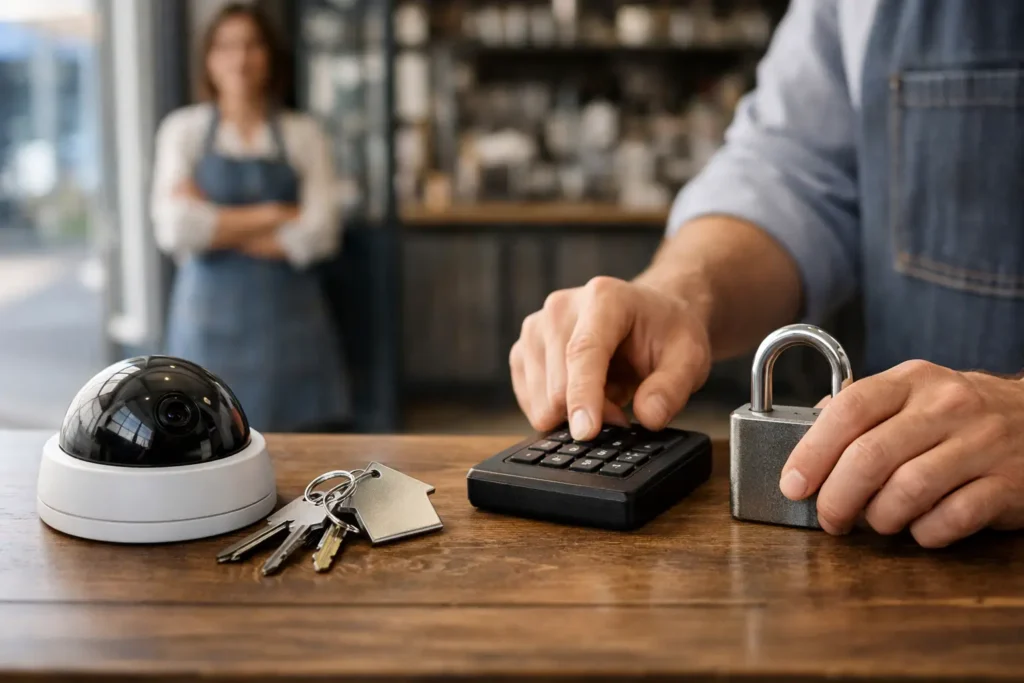
Access control gives you a cleaner way to manage entry. Instead of guessing, you can assign credentials by user, area, and schedule. That means the cleaner can enter at a set time, the manager can access the office, and warehouse staff can use only the doors they need. If someone leaves the company, access can be removed immediately.
This is one of the clearest examples of how to secure a small business with better control, not just more hardware. It also creates an activity record, which helps during investigations and internal audits. For businesses with multiple employees, high turnover, or sensitive inventory, access control usually pays for itself in reduced risk and better accountability.
Alarms need response, not just noise
A siren may scare off some intruders, but noise alone is not a security plan. If your alarm goes off at 2:00 a.m., what happens next? Who gets the alert? Who verifies the event? Who contacts authorities or dispatches support?
That is why monitored alarm systems are so valuable for small businesses. They turn detection into action. A professionally designed system can include door and window contacts, motion sensors, glass break detectors, panic buttons, and environmental alerts for smoke, flood, or temperature issues. The right combination depends on the type of business and what would cause the most damage if missed.
A restaurant may need after-hours intrusion protection plus freezer or equipment monitoring. A clinic may need controlled access and sensitive area alerts. A warehouse may prioritize perimeter protection, interior motion coverage, and yard surveillance. The best system is the one that matches operational reality.
Your network is part of your security system
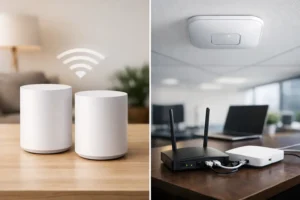
This part gets overlooked often. Cameras, smart locks, alarms, intercoms, and remote viewing all depend on stable network performance. If your Wi-Fi is inconsistent, your recorder is exposed, or your devices are not segmented properly, your security system becomes less reliable.
For small businesses using connected devices, network design is not a luxury. It is part of the security foundation. You need dependable connectivity, protected credentials, managed user permissions, and equipment that is configured properly from the start. A weak network can cause dropped cameras, failed alerts, and poor remote access at exactly the wrong time.
This is also why piecing together consumer-grade products can become expensive later. A professionally installed system is usually easier to maintain, easier to scale, and more dependable when your business grows.
Staff habits can strengthen or weaken your entire setup
Even the best equipment will not fix poor daily habits. Doors get propped open. Alarm codes get shared. Closing procedures get rushed. Deliveries come through unsecured entrances. These are common issues, especially in busy environments.
Your security plan should include clear routines for opening, closing, visitor access, cash handling, key or credential control, and incident reporting. Keep it simple enough that staff will actually follow it. Complicated procedures tend to break down under pressure.
Training matters most where the system meets human behavior. Employees should know how to arm and disarm properly, how to respond to suspicious activity, and who to contact if something does not look right. A small amount of training can prevent a large amount of loss.
Professional design beats patchwork fixes
There is a reason many small businesses end up replacing DIY systems after a problem. Patchwork security tends to leave dead zones, false confidence, and support issues when something fails. A professionally designed system looks at the whole property, not just one device at a time.
That includes camera placement, alarm zoning, access levels, remote management, lighting conditions, entry flow, and future expansion. If you plan to add another office, extend warehouse space, or improve smart controls later, that should be considered early. Security works better when it is designed as part of your operations, not bolted on after a close call.
For business owners in busy commercial areas, fast local service also matters. When a camera goes down, a door reader fails, or an alarm issue disrupts opening, you do not want to wait days for support. That is one reason many companies choose experienced local providers such as HTech Knight Security Systems Ltd for system design, installation, and ongoing service.
The right security plan is the one you can rely on daily
If you are serious about how to secure a small business, think beyond products and focus on outcomes. You want fewer blind spots, tighter control over access, faster awareness when something happens, and support you can count on when the system needs attention.
Security should make running your business easier, not more complicated. When the right cameras, alarms, access control, and network infrastructure work together, you get more than protection. You get clarity, accountability, and peace of mind that holds up after hours too.