
A clinic’s front door may be open to patients, but its medication room, records area, staff-only corridors, and IT closet should not be. The best access control for clinics gives each person the right level of entry without slowing down care, creating confusion at reception, or leaving keys in circulation.
For medical offices, dental practices, physiotherapy centers, and specialty clinics, access control is more than a door lock upgrade. It is a practical operating system for who can enter, when they can enter, and what happens when a credential is lost or an emergency occurs. A professionally designed system can protect staff, patients, supplies, and sensitive areas while giving management clear oversight.
What the Best Access Control for Clinics Should Do
The right system starts with your clinic’s workflow, not a generic hardware package. A small practice with one provider and two employees needs a different setup than a multi-tenant medical office with rotating staff, cleaning crews, visiting specialists, and several treatment rooms.
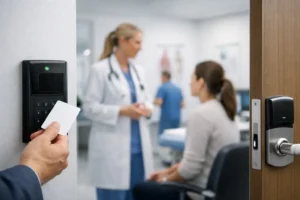
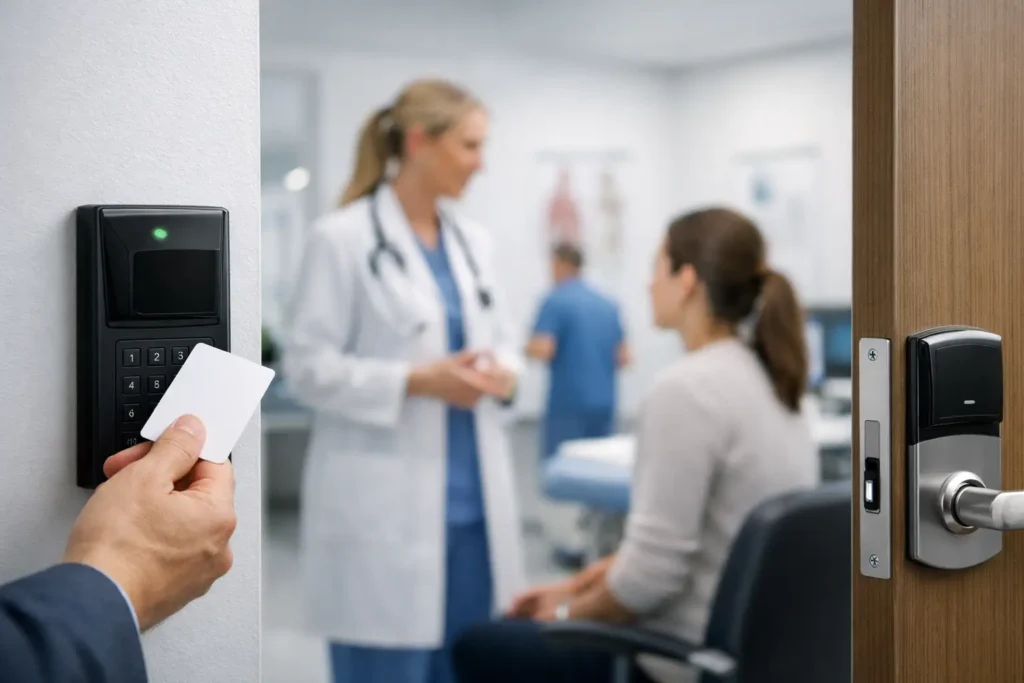
At a minimum, clinic access control should let management assign individual credentials, set door schedules, remove access immediately, and review entry activity when needed. Credentials may be cards, fobs, mobile phone credentials, PIN codes, or biometric options. In most clinics, cards, fobs, and mobile credentials offer the best balance of speed, reliability, and ease of administration.
The goal is not to put every room behind a reader. That can frustrate staff and create bottlenecks. Instead, control the areas where unauthorized access creates a meaningful safety, privacy, theft, or operational risk.
Use role-based access, not one shared code
Shared keypad codes are easy to install, but they create a major accountability gap. When a code is known by former employees, temporary workers, or contractors, there is no reliable way to identify who entered a restricted area. Changing the code after every staffing change is rarely done consistently.
Individual credentials solve that problem. A receptionist can access the front entrance and reception area. Clinical staff can enter treatment rooms and staff areas. Only authorized managers or designated team members can enter medication storage, records rooms, server closets, or supply areas. If someone leaves the practice, their credential can be disabled immediately without replacing locks or collecting every key.
This structure also makes schedules practical. A cleaner might have access from 7:00 p.m. to 10:00 p.m. on weekdays, while a physician may receive after-hours access. That reduces the need to leave doors unlocked simply because one person needs to arrive early or stay late.
Prioritize the Doors That Matter Most
A site assessment should identify how people actually move through the clinic. The front entrance, staff entrance, rear exit, interior corridors, storage rooms, records areas, and technology rooms all have different needs.
The main patient entrance often benefits from scheduled unlock and lock times. During office hours, patients can enter normally. Before opening and after closing, staff can use credentials while the door remains secured to the public. This can be especially useful for early appointments, late-running treatment days, or clinics in larger commercial buildings.
Staff entrances should typically require credentials at all times. These doors are often less visible than the front entrance and can become an easy point of access for unauthorized visitors. A door contact can also report if the door is propped open, helping staff respond before a security issue develops.
Medication rooms, controlled supplies, records storage, and IT closets deserve tighter control. For these areas, an access event history can help managers investigate an incident, verify after-hours entry, or identify patterns that require attention. Access records are not a replacement for sound policies, but they provide useful facts when questions arise.
Choose Credentials That Fit Clinical Work
Hands are often full in a clinic. Staff may be carrying files, supplies, equipment, or supporting a patient. That makes convenience a security requirement, not a luxury.
Mobile credentials can be a strong choice for employees who already carry a smartphone. They reduce physical card replacement and can be removed remotely when employment ends. However, clinics should consider battery dependency, phone-sharing policies, and whether every staff member is comfortable using a personal device for workplace access.
Key fobs and proximity cards remain dependable, affordable options. They are simple to issue, familiar to most users, and work well for practices that want a straightforward system. The downside is that they can be lost, borrowed, or left in a vehicle, so individual assignment and prompt deactivation matter.
PIN codes work best as a secondary method or for limited, temporary access. They are less suitable as the primary credential for high-risk spaces because codes can be observed or shared. Biometrics may add certainty in specific applications, but clinics should weigh privacy expectations, hygiene considerations, and the need for fast, friction-free entry.
Connect Access Control With Video and Intrusion Security
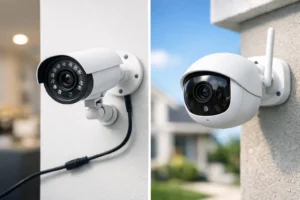
Access control is strongest when it works with the rest of the clinic’s security system. A camera at an employee entrance, rear door, or medication room corridor can provide visual context for an access event. If a door is opened after hours, management can review what occurred rather than relying on assumptions.
Integration can also support practical daily routines. When the last authorized employee leaves, the system may trigger an intrusion alarm arming sequence. When a staff member arrives early, their valid credential can disarm designated areas, depending on the system design and clinic policy. This reduces missed steps at opening and closing while maintaining control.
Emergency lockdown capability should also be discussed during planning. In a threatening situation, designated staff may need to secure selected exterior and interior doors quickly. The exact design depends on local fire and life-safety requirements, door hardware, and how the clinic must allow safe exit. A professional installer should coordinate the security plan with applicable code requirements rather than treating lockdown as a simple button installation.
Plan for Visitors, Vendors, and Temporary Staff
Clinics regularly receive delivery drivers, equipment technicians, building contractors, pharmaceutical representatives, and temporary staff. Giving these visitors unrestricted access or lending out employee credentials creates unnecessary exposure.
For smaller offices, a video intercom at the staff entrance can let reception verify a visitor before unlocking the door remotely. Larger clinics may benefit from time-limited visitor credentials, which automatically expire after a scheduled period. This is particularly useful when contractors need access before or after regular business hours.
A clear visitor process also supports the patient experience. Patients should know where to enter and whom to speak with, while back-of-house areas remain private. Good access control feels organized, not intimidating.
Do Not Overlook Reliability and Support
A low-cost standalone keypad may appear attractive, but it often creates problems as the clinic grows. It may lack usable audit reports, remote administration, backup power, integration options, or support when a door malfunctions. For a health care practice, a failed access point can disrupt appointments, lock staff out, or leave a sensitive area unsecured.
Ask how the system behaves during a power outage, internet interruption, or controller failure. Critical doors should have appropriate battery backup and safe egress hardware. Cloud management can be convenient for remote administration, but the door hardware and controller design should continue operating according to the intended rules if the internet connection is temporarily unavailable.
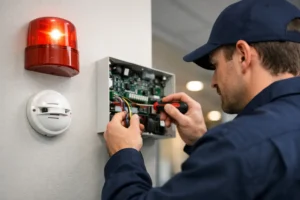
Professional installation also matters. Door alignment, electric strikes or maglocks, request-to-exit devices, fire alarm interface requirements, cabling, and network configuration all affect long-term reliability. The best equipment can still perform poorly when installed without proper planning.
Build a System That Can Grow With the Practice
A clinic may begin with two controlled doors and later add another provider, a second suite, more treatment rooms, or a separate storage area. Choosing a scalable platform from the start avoids replacing the entire system when operations change.
During a security assessment, document current doors, future expansion plans, staff roles, visitor patterns, and any recurring concerns such as lost keys, unsecured rear doors, or after-hours access. HTech Knight Security Systems Ltd can design access control around those real conditions, then integrate cameras, intrusion monitoring, video intercoms, and network infrastructure where they add value.
The most effective clinic security system is one staff can use confidently on a busy day. When access is simple for authorized people and clearly controlled for everyone else, the clinic can focus on patient care instead of wondering who has a key.